Branded QR codes
Generate QR codes that match your colors and logo. Print once; the menu behind them stays live.
Guests scan a QR code and open your live menu on their phone — photos, prices, variants, and extras. You update everything from one dashboard without reprinting a thing.
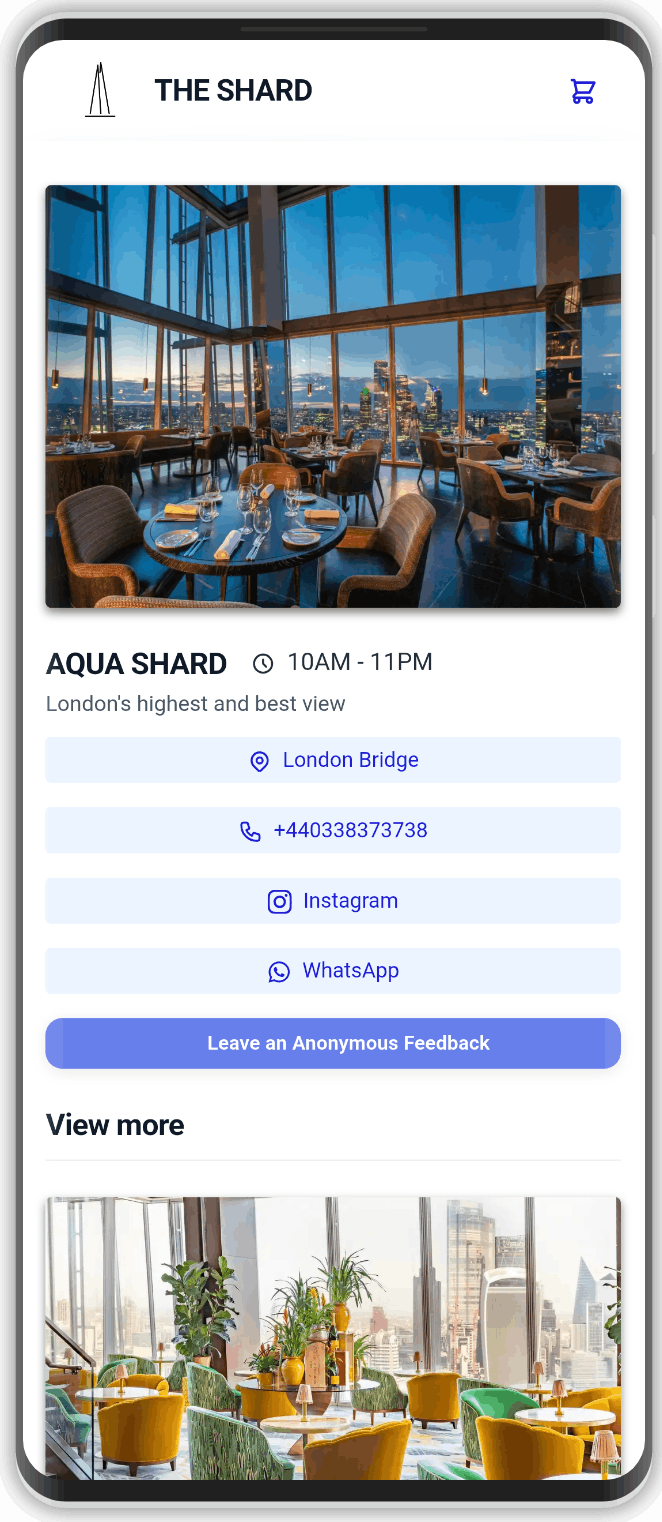
Built for restaurants, cafés, bars, hotels, and beach clubs that want a fast, branded menu guests actually enjoy using.
Generate QR codes that match your colors and logo. Print once; the menu behind them stays live.
Change prices, hide sold-out dishes, or publish a seasonal section in seconds — every table sees it immediately.
Organize categories and items with photos and short descriptions so guests decide faster.
Sizes, add-ons, and modifiers stay clear for guests and for your team when orders come in.
Enable on-site, takeaway, or delivery ordering with PayPal or Stripe when you are ready — or keep the menu view-only.
See what people open so you can improve photos, popular sections, and the offer over time.
No redesign agency. No reprint cycle every time a price changes.
Add categories, items, photos, prices, and modifiers in the WebslyCode dashboard.
Place the branded QR on tables, or share the mini website link anywhere online.
Publish changes instantly. The printed code never needs to change.
Digital menu is the core. Reservations, WhatsApp, feedback, and Instagram growth sit beside it on WebslyCode.
A digital QR menu is a live web menu guests open by scanning a code with their phone camera. They browse in the browser — no app install — and you update items without reprinting paper.
No. On WebslyCode the QR points to your live page. Change prices, photos, or availability and the same printed code keeps working.
Yes. You can enable ordering for on-site, takeaway, or delivery, with optional PayPal and Stripe — or keep browsing-only if that fits your service.
It is a mini website for the business: digital menu, reservations you can shape, WhatsApp or email requests, anonymous feedback, Instagram follow step, analytics, and custom domain options.
Yes. Any venue that needs a fast mobile menu and a professional online presence can use the same platform.
Storefront pages are built to stay light on mobile networks, with caching for anonymous guests so popular menus stay quick during busy hours.
Join restaurants already using WebslyCode for menus, bookings, and a cleaner guest experience.