Date, time & party size
Core booking fields guests expect, presented clearly on mobile.
Guests book from your page. You choose the fields and options. Each request arrives on WhatsApp or email, ready for your Google Calendar — without another app for your guests.
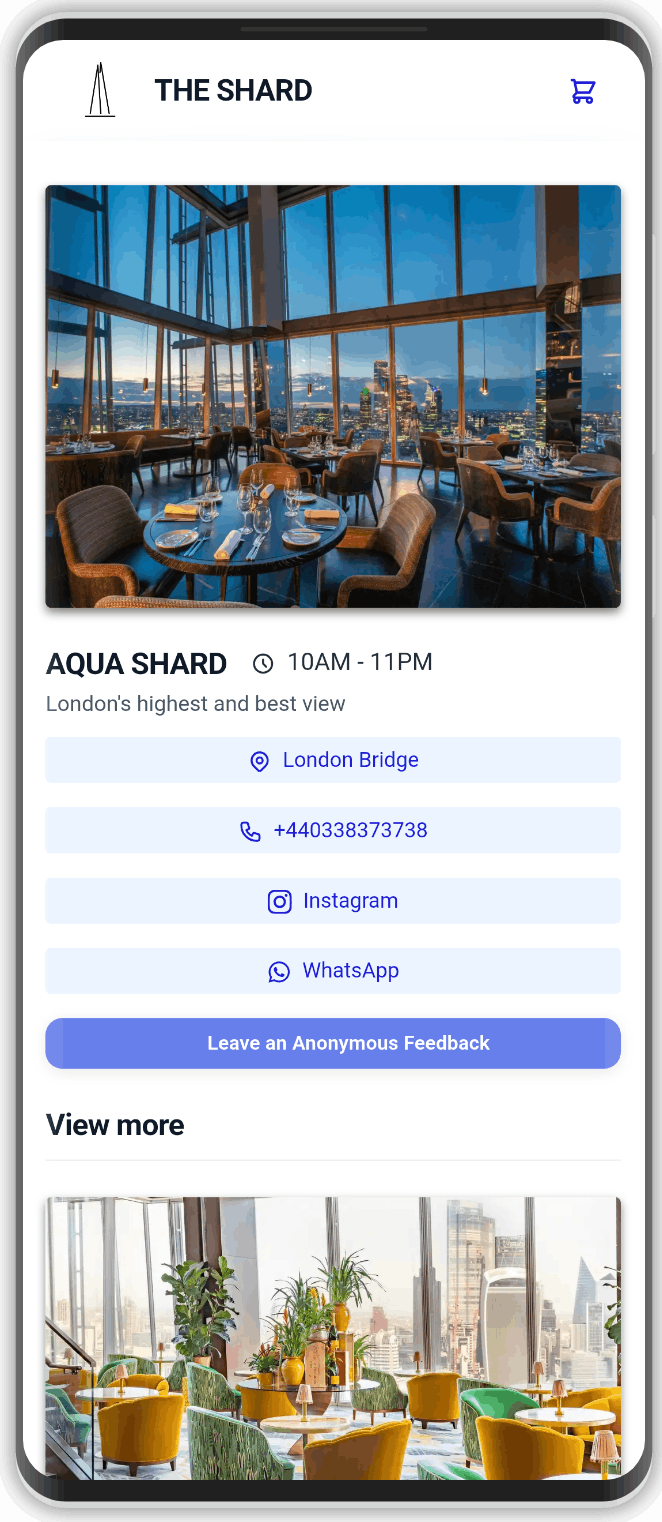
Not a rigid third-party widget — a form you control, on the same professional page as your menu.
Core booking fields guests expect, presented clearly on mobile.
Add options such as window table, birthday, or dietary notes so the request arrives complete.
Choose where requests land. Confirm in the chat you already use with guests.
Structured booking details make it easy to place confirmed reservations on your calendar.
Catch service issues privately before they become public reviews.
Optionally ask first-time visitors to follow you before continuing — growth beside bookings.
Simple for guests. Controllable for you.
Turn reservations on and configure the fields and options your venue needs.
They use the same mini website as your menu — one professional presence.
Requests arrive on WhatsApp or email so you can confirm and calendar them.
WebslyCode is the restaurant platform behind bookings, menus, orders, and growth tools.
WebslyCode gives you a booking form you control on your own page, with delivery to WhatsApp or email and an easy path to Google Calendar — alongside your digital menu.
Yes. Beyond date, time, and party size, you can add your own options and questions so each request matches how your room works.
No. Guests book in the browser on your WebslyCode page. If you use WhatsApp delivery, confirmation stays in a chat they already have.
No. It feeds clear booking details so you can place confirmed reservations on Google Calendar the way your team already works.
Yes. The mini website holds the menu, booking form, orders, feedback, and contact in one branded experience.
Restaurants, cafés, bars, hotels, and venues that want online bookings without forcing guests through a generic third-party app.
Shape the form, connect WhatsApp or email, and keep your digital menu on the same page.